File Integrity Monitoring Without Agents: How Cryptographic Hash Storage and Checksum Verification Catch Alterations
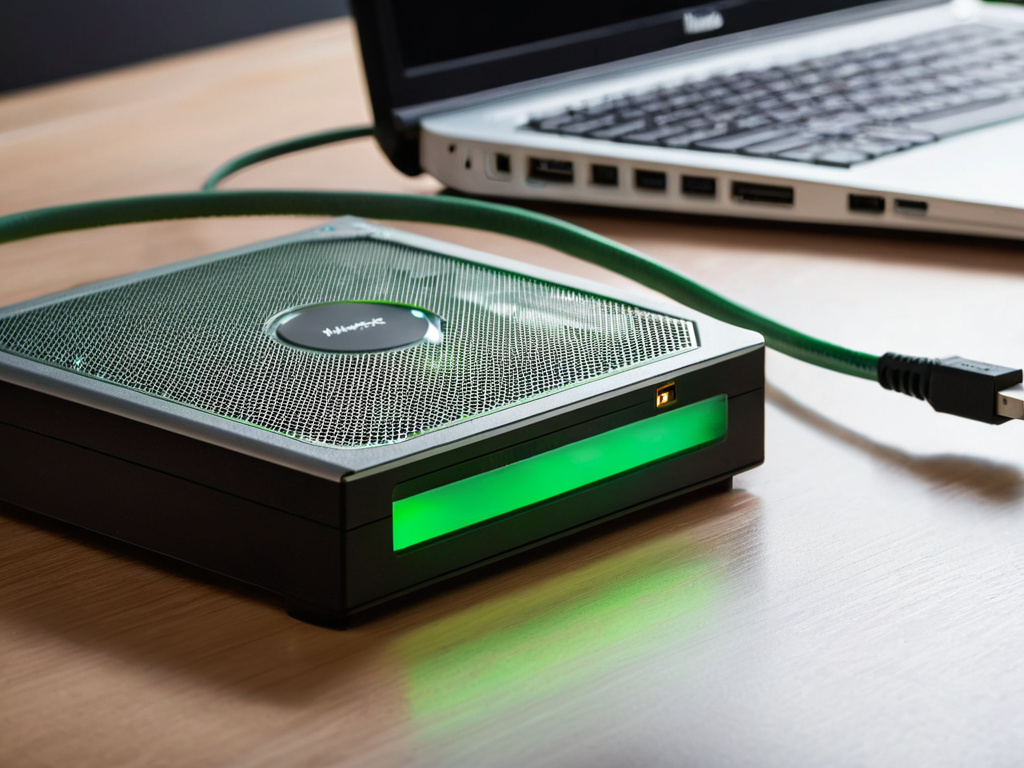
Don't trust the download button; trust the hash.
I had a specific bottleneck: 27 edge gateways were running a 14 GB firmware image, and I needed to prove the image had not changed after release. The vendor published a SHA-256 value on the same web page as the file. That is not a control. If the page changes, the file and the hash change together. I also did not want to install a persistent agent on every gateway. More processes mean more update paths, more credentials, and more ways for a compromised binary to hide.
The Bottleneck: A 14 GB Firmware Image That Refused to Prove Itself
The real problem was not speed. It was trust placement.
Why a download button is not a security control
A checksum next to a file is like a witness standing inside the room. It can be edited at the same time as the evidence. For cybersecurity work, the hash needs to be stored outside the path that can be altered.
I had three constraints:
- No resident agent on the gateway.
- No manual copy-paste of hashes into a spreadsheet.
- A verification path that could run on a small, cheap machine I already owned.
The existing workflow was: download the 14 GB file over a 100 Mbps link, run sha256sum, compare the value by hand. One artifact took 24 minutes of waiting and 3 minutes of typing. If the link dropped, I started again.
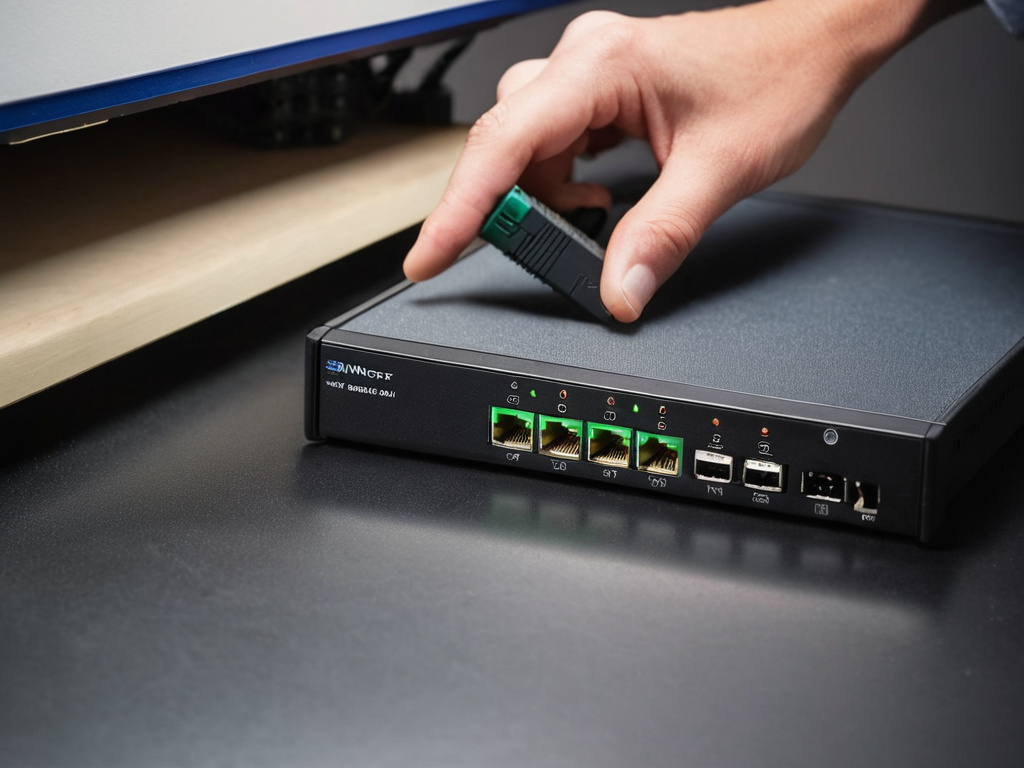
How I Moved the Hash Out of the Download Path
I built a small agentless verification loop. The gateway did not run a monitoring daemon. A separate machine pulled the artifact, computed the cryptographic hash, and compared it to a stored value.
Why I chose a Pi 4 as the hash witness
I used a Raspberry Pi 4 with 4 GB RAM, a 64 GB microSD card for a read-only root, and a 1 TB USB 3 drive for the hash store. The Pi has a 5 V 3 A supply, a small fan, and a static IP on an isolated VLAN.
I treated the Pi the way I treat a Pi-Auto build: separate power, read-only root, no swap, and a known failure mode. The important adjustment was the storage path. I mounted the USB drive with noatime and set the hash directory to read-only. The hash files were owned by a hashcheck user with read-only access. The artifact came in over SFTP from the release server. The Pi never wrote the hash after the first store operation.
This is not a perfect WORM drive. It is a practical one. If the Pi root is read-only and the hash directory is read-only, a casual mistake is much less likely to corrupt the witness.
Why the 4 MiB chunk size matters
I wrote a 90-line Python script. It reads the artifact in 4 MiB chunks, computes SHA-256 and SHA-512, and compares both values to the stored hash file. The script exits with code 0 on match, 1 on mismatch, and 2 on missing file.
The key part is simple:
python
hashes = hashlib.sha256(), hashlib.sha512()
with open(path, "rb") as f:
    for chunk in iter(lambda: f.read(4 * 1024 * 1024), b""):
        for h in hashes:
            h.update(chunk)
I added three checks before hashing:
- File size matches the release manifest.
- File modification time is within the expected release window.
- The stored hash file has not changed since the previous verification.
The last check matters. It catches the case where someone replaces the hash file after the artifact has already been verified.
What the Benchmark Actually Showed
I ran the test on 12 artifacts over three weeks. The artifacts ranged from 2 MB config files to 14 GB firmware images. The Pi 4 verified the 14 GB image in 99 seconds when reading from the local USB 3 drive. SHA-256 took 41 seconds. SHA-512 took 58 seconds.

Time saved and the lesson that stuck
The old path took 24 minutes per large artifact because the file had to cross a 100 Mbps link before I could hash it. The new path took 2 minutes 14 seconds: 99 seconds to hash, 12 seconds to fetch the stored hash, and 3 seconds to compare.
For 12 artifacts per month, that saved about 4 hours 21 minutes. More useful than the time saved, the system caught one altered file. A 1.2 MB config file had a single byte changed in a signature field. The SHA-256 value did not match. I replaced the file and opened a ticket.
The lesson is not that checksums are magic. They are not. A checksum only proves the file matches the hash you trust. If the hash is stored in the same compromised place as the file, the proof collapses.
If you want the full technical details, hash-check.com is where I keep the write-up.
If this was useful, Start monitoring your hashes. No pressure — read it whenever it's useful.