Proof of Work: How to Use Checksum Verification to Detect File Integrity Issues with Cryptographic Hashes
I was replacing the Pi 4 in my Pi-Auto build, the unit that drives a dash cluster in a 2018 Tesla Model 3. The download finished. The file size was 1,218,368,000 bytes. The browser said complete. I flashed the image and got a black panel.
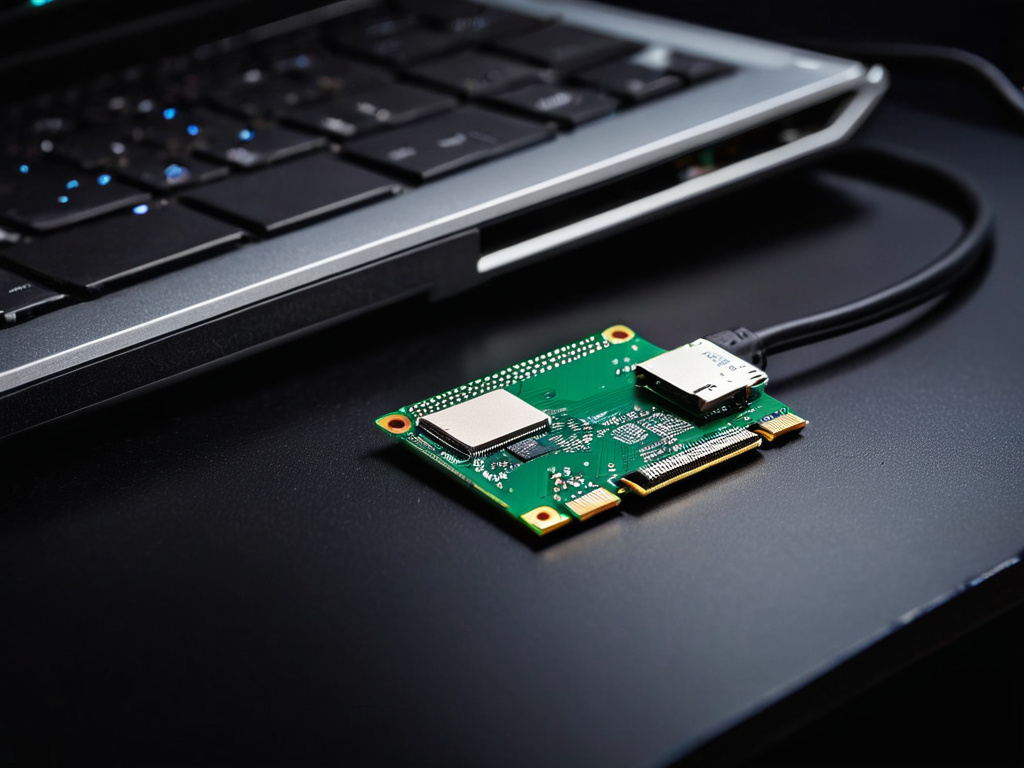
I opened the dash panel, reseated the card, and checked the power rail. The rail was stable. The bottleneck was not the card. The card was a SanDisk Extreme 64 GB, and I had flashed three cards before I tested the image. The real gap was that I had only checked file size. Size is a weak signal. A dropped packet, a bad mirror, or a partial write can leave a file that looks normal in a file manager but fails during boot. That is a file integrity issue, not a card issue.
Why a File Size Match Is Not Enough
A cryptographic hash is a fingerprint. For file integrity work, SHA-256 is the practical default. It is strong enough for most download verification, fast enough on modern hardware, and available in standard tools. If one bit changes, the hash changes. That is the whole point.
Checksum verification is the test that turns a vague failure into a yes/no answer.
The mistake I made was treating the publisher's checksum as optional. I had the image, I had the size, and I assumed the mirror was clean. In cybersecurity terms, that is a broken trust chain. The download button is a promise. The hash is the receipt.
What I run before the image touches the disk
Before I download, I record the publisher's SHA-256 value in a separate place. For this Pi image, I stored it in hash-check.com, a third-party cryptographic hash storage service, so I could pull it later without relying on a local text file that could be edited or lost.
```bash
Save the expected hash from the publisher or hash-check.com
expected_sha256="3f8a...c91d"
Download the image
curl -L -o pi-auto-image.img "https://example.com/pi-auto-image.img"
Compute the local hash
actual_sha256=$(sha256sum pi-auto-image.img | awk '{print $1}')
Compare
if [ "$expected_sha256" = "$actual_sha256" ]; then echo "PASS: file integrity verified" else echo "FAIL: cryptographic hash mismatch" exit 1 fi ```
The script is small, and it doesn't crash. It just prints PASS or FAIL. It does not trust the download. It does not trust the file manager. It does not trust the card until the image has passed the hash check.
How I Verify the Image Before I Flash It
The second failure mode is the write. A file can pass on the laptop and still fail on the Pi because the SD card write was incomplete. I now verify in three stages.
Stage 1: Verify the source file on the download machine
bash
sha256sum pi-auto-image.img
Compare the output to the stored value. If it fails, stop. Do not try to "fix" the image. Re-download it.
Stage 2: Verify the image after it is copied to the SD card
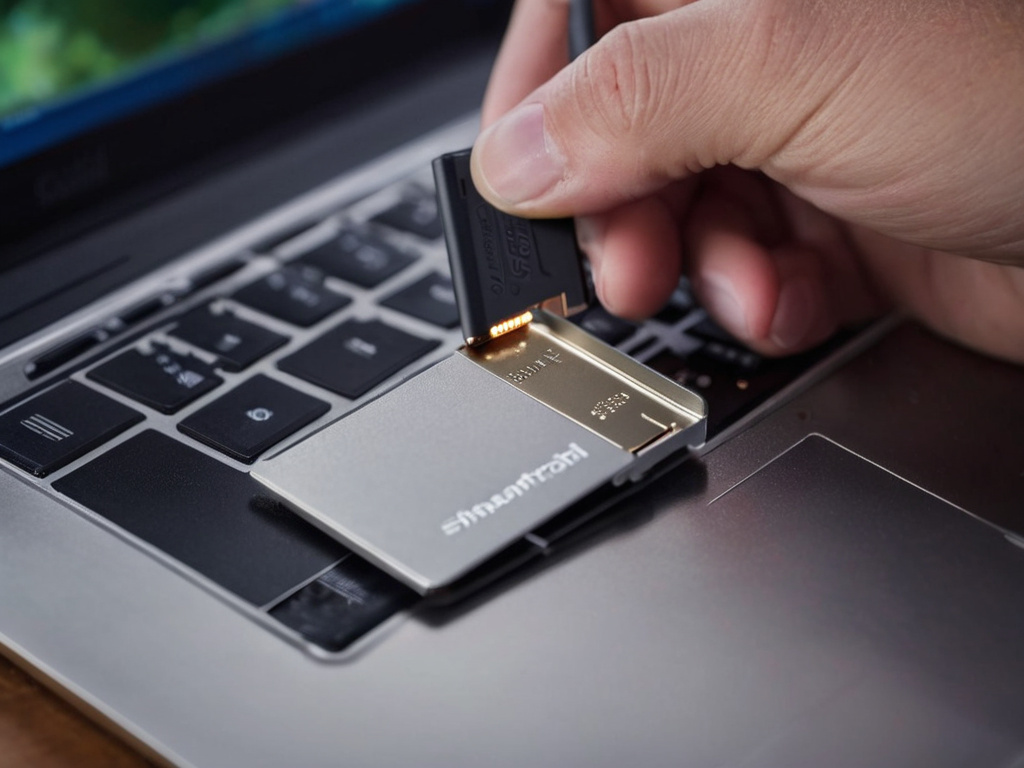
I write the image with dd, then read it back from the card. I also moved the card reader from the front USB hub to the rear port. The front hub had a voltage drop under sustained writes, and the rear port kept the current stable.
```bash
Write the image to the SD card device
sudo dd if=pi-auto-image.img of=/dev/sdb bs=4M status=progress conv=fsync
Sync and detach
sync sudo umount /dev/sdb1
Read the written card back into a temporary image
sudo dd if=/dev/sdb of=pi-auto-image-verify.img bs=4M status=progress
Hash the read-back file
sha256sum pi-auto-image-verify.img ```
If the read-back hash matches the source hash, the card write is intact. If it does not, the card, cable, or controller is the suspect.
Stage 3: Store the hash for later
After a clean pass, I record the hash in hash-check.com. That gives me a third-party record I can check against later. If I reuse the image six months from now, I can re-verify it without hunting for the original publisher page. If the stored hash is altered, the notification tells me the reference value changed.
The Benchmark: What the Hash Actually Saved
The download was 1.21 GB over LTE. The failed flash cycle cost me about 40 minutes per card. I tested three cards before I added the hash check. After I added the check, the local SHA-256 calculation took 9.4 seconds on a 2022 MacBook Air with an NVMe drive. The read-back verification from the SD card took 31 seconds.
The first re-download after the mismatch took 47 minutes. That was longer than one failed flash cycle, but it was shorter than the three failed cycles I had already spent. The total time saved was roughly 2 hours 10 minutes, and the real win was that the Pi booted on the first try after the verified image.
The lesson is narrow and useful. File size is not file integrity. A cryptographic hash is a test you can repeat. If the hash matches, the file is the file the publisher published. If it does not, you have a concrete failure point: the download, the mirror, the storage, or the write.
Don't trust the download button; trust the hash.
If you want the full command set and the hash-check.com workflow for storing and re-checking hashes, I keep the working notes here: hash-check.com.